How to photograph artwork for your online shop
A local artist drops off three new pieces. The work is excellent. You photograph it with your phone, upload the shots, and nothing moves. Six weeks later the artist asks how it is going. You have no good answer.
The photos are the reason.
The single biggest mistake
Most gallery owners and artists photograph their work straight-on, under overhead lights, against whatever wall happens to be nearest. The result looks like documentation, not desire.
The problem is not the phone. Modern smartphone cameras are genuinely good. The problem is everything around the camera: the light, the angle, the background, the time of day.
Natural light is not just 'nicer' - it is technically better
Artificial lighting creates a problem that ruins almost every indoor artwork photo: mixed colour temperatures. Your ceiling light is probably 3000K (warm yellow). Your phone compensates for one source, and the rest appears as a colour cast. The painting looks green or orange on screen, and buyers cannot say why they feel uneasy - they just do not click Buy.
Photograph near a large north-facing window, with no artificial lights on. Overcast days are better than sunny ones - direct sun creates hard shadows and bright spots. Aim for the middle of a cloudy day.
If natural light is not an option, a daylight-balanced LED panel (5500K) costs around 500 kr. It is the single most useful piece of photography equipment you can buy.

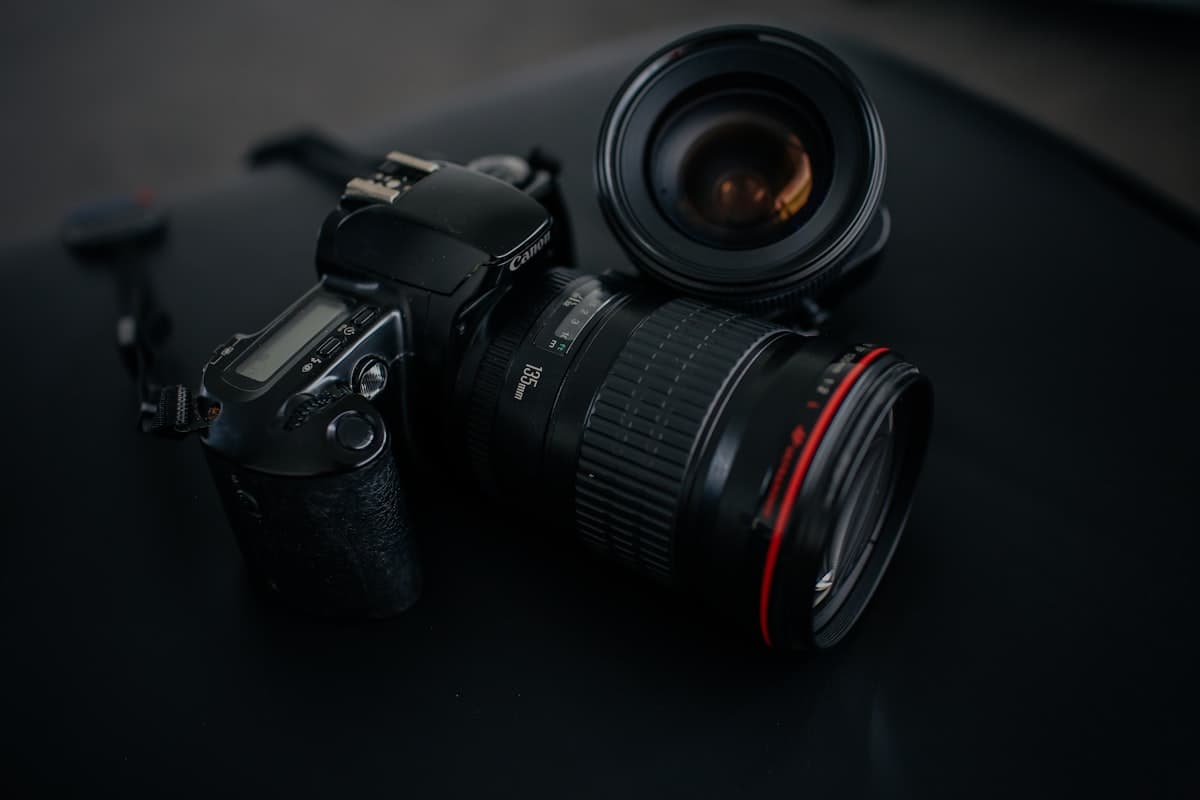
Photo by Hc Digital on Unsplash
The background you choose is part of the product
White walls look clean in a gallery. On screen they look like a blank white wall - which is to say, like nothing. The artwork floats.
A mid-grey background (Farrow & Ball "Purbeck Stone" or similar) makes the work stand out without competing with it. Raw linen and pale wood also work well. What does not work: dark walls (contrast problems), patterned textiles, anything that draws the eye away from the work.
The rule is simple: if a viewer would notice your background, it is wrong.
Angle and geometry
Shoot perfectly parallel to the surface. Even a 5-degree tilt distorts the rectangle and gives buyers a subtle sense that the size is wrong. Use a spirit level app on your phone, or just step back and look before you shoot.
For flat prints and paintings: straight on, lens at the centre of the work, no perspective.
For textured or three-dimensional work - thick impasto, ceramics, sculptures - a slight side angle shows depth that a flat-on shot misses. In that case, shoot both.
Phone or camera?
For work up to about 60 x 80 cm, a modern smartphone at 12 megapixels is plenty. Resolution is rarely the constraint.
What helps more than a better camera:
- A phone tripod (200-300 kr)
- A 2-second timer or remote shutter button to avoid camera shake
- Editing exposure and white balance in Lightroom Mobile (free) rather than applying Instagram filters
If you are selling large originals above 20,000 kr, or limited editions where texture is part of the value, hire a photographer for half a day. It costs 2,000-4,000 kr and pays for itself on the first sale.
How many images per listing?
One image is not enough. Buyers want to see the work from multiple angles and in context. Three to five images is a reasonable target: one straight-on product shot, one close-up of texture or signature, one or two lifestyle images, and - for works with interesting edges or framing - a side profile shot.
This sounds like a lot. It takes around twenty minutes once you have the setup ready. That twenty minutes is repaid every time someone adds the work to their cart instead of their wishlist.

The context shot that most shops skip
Your main image should be clean: artwork, correct colour, straight lines. But the second image should show the work in a room - on a wall, with furniture, at scale.
This is not about having a beautiful apartment to photograph in. It is about helping buyers project the piece onto their own wall.
The cheapest way to do this: use a room mock-up. Placeit and Canva both have good templates. Upload your product image, set the scale correctly (the most common mistake is showing a 50 x 70 cm print that looks 200 cm wide), and export. It takes ten minutes.
Blenda generates mock-ups automatically for any uploaded artwork, which removes this step entirely.
Colour accuracy matters more than you think
A print that arrives looking different from the photo is a return. A buyer who returns something tells three people.
Calibrate your monitor if you are editing on it. If you are unsure, send the file to a few people and ask whether the colour looks right on their screens. Check it on your phone, laptop, and a tablet before it goes live.
For prints: if the paper is warm-toned, show that. If there is visible texture, shoot at a low angle with a raking light to reveal it. Buyers will tolerate a lot. They will not tolerate a surprise.
Before you upload: a short checklist
- Lit from a window or a 5500K LED, no ceiling lights on
- Neutral background that does not compete with the work
- Shot straight-on (or at the correct angle for 3D work)
- White balance corrected, not just brightness increased
- At least one context or lifestyle image included
- File is at least 1000 pixels on the short side (2000+ preferred)
Six months of selling the same work with better photos versus worse photos is not a close comparison. The work does not change. The results do.
FAQ
What is the best light for photographing artwork?
Soft, indirect daylight. An overcast day by a large window beats every lamp you own. Never use flash or direct sun; both flatten texture and lie about colour.
Can I photograph art with a phone?
Yes. A modern phone camera is more than good enough. A straight-on angle, something steady to rest the phone on, and even light matter far more than expensive gear.
How do I avoid glare when photographing framed art?
Photograph the work before framing, or take it out of the glass. If you can't, angle your light source about 45 degrees to the side and shoot perpendicular to the artwork.
What image size does an online shop need?
At least 2,000 pixels on the long side. That covers zoom on the product page and any true-size wall preview without going soft.